

Incident reporting and a digital accident book for activity centres.
Instructors write it up on the spot, on the beach or the hill, and every report lands in one place your manager can rely on. No paper book in the van, no details missing a week later.
The bit that wears you down.
A paper accident book in the back of the van, damp and half filled in.
Details missing a week later, when someone finally asks what happened.
Nobody quite sure whether it needs reporting to HSE.
Reports in three places: the book, an email and someone’s notes app.
Written on the spot, found in seconds.
The screens stay in the demo. This is what your instructors and managers get.
Written on the spot
Instructors report from their phone at the scene, while it’s fresh.
Everything in one place
Every report, note and photo together, ready for a manager, an insurer or an inspector.
Followed up and closed off
Managers add their notes and close each report, so nothing is left hanging.
Everything you need to keep a proper record.
Part of the same system as your bookings and the Slipstream app, so there’s nothing extra to carry.
Written while it’s fresh
Instructors record what happened at the scene, not days later.
One record you can rely on
Every incident in one place, not a book, an email and a notes app.
A complete picture
Everything that explains what happened sits together.
Nothing left hanging
Each report is followed up and closed off.
Ready when someone asks
A clear record for your insurer, a parent or an inspector.
Quick enough to get done
Short enough on a phone that reports actually get written.

The record matters most when something goes wrong.
Under RIDDOR, the centre is responsible for reporting certain incidents to HSE, including when a member of the public is injured and taken straight from the scene to hospital for treatment. Records of reportable incidents have to be kept for at least three years.
Businesses with ten or more employees must also keep an accident book. And when an insurer, a parent or an inspector asks what happened, a clear report written on the day is worth far more than anyone’s memory.
General information, not legal advice. Check what applies to you on the HSE website.
Nothing new to carry
It’s in the Slipstream app your team already uses for the day’s sessions.
Up and running in days
Most centres are live within days. We set it up with you.
Turn it on when you’re ready
Add incident reporting alongside your bookings whenever it suits you.
Centres that take safety seriously.
What else Slipstream does.
There’s a lot more to Slipstream than this page.
We only cover the headlines here. Request access to the full Slipstream brochure to see every feature, or book a demo and we’ll show you around.
The things centres ask us first.
Anything else, just ask on a demo.
Can instructors report from their phone?+
Yes, in the Slipstream app, at the scene.
Does it report to HSE for us?+
No. You stay in charge of reporting to HSE.
Can managers add notes and close a report?+
Yes.
Can we export our reports?+
Yes, to print or as a spreadsheet.
How do managers know what may need reporting?+
We’ll show you in a demo.
Is this everything Slipstream does?+
No. These pages only cover the headlines. Request access to the full Slipstream brochure to see every feature, or book a demo and we’ll walk you through it.
Less drag.
More sessions.
We’ll show you around and work out what makes sense for your centre, from a single widget to the whole operation.
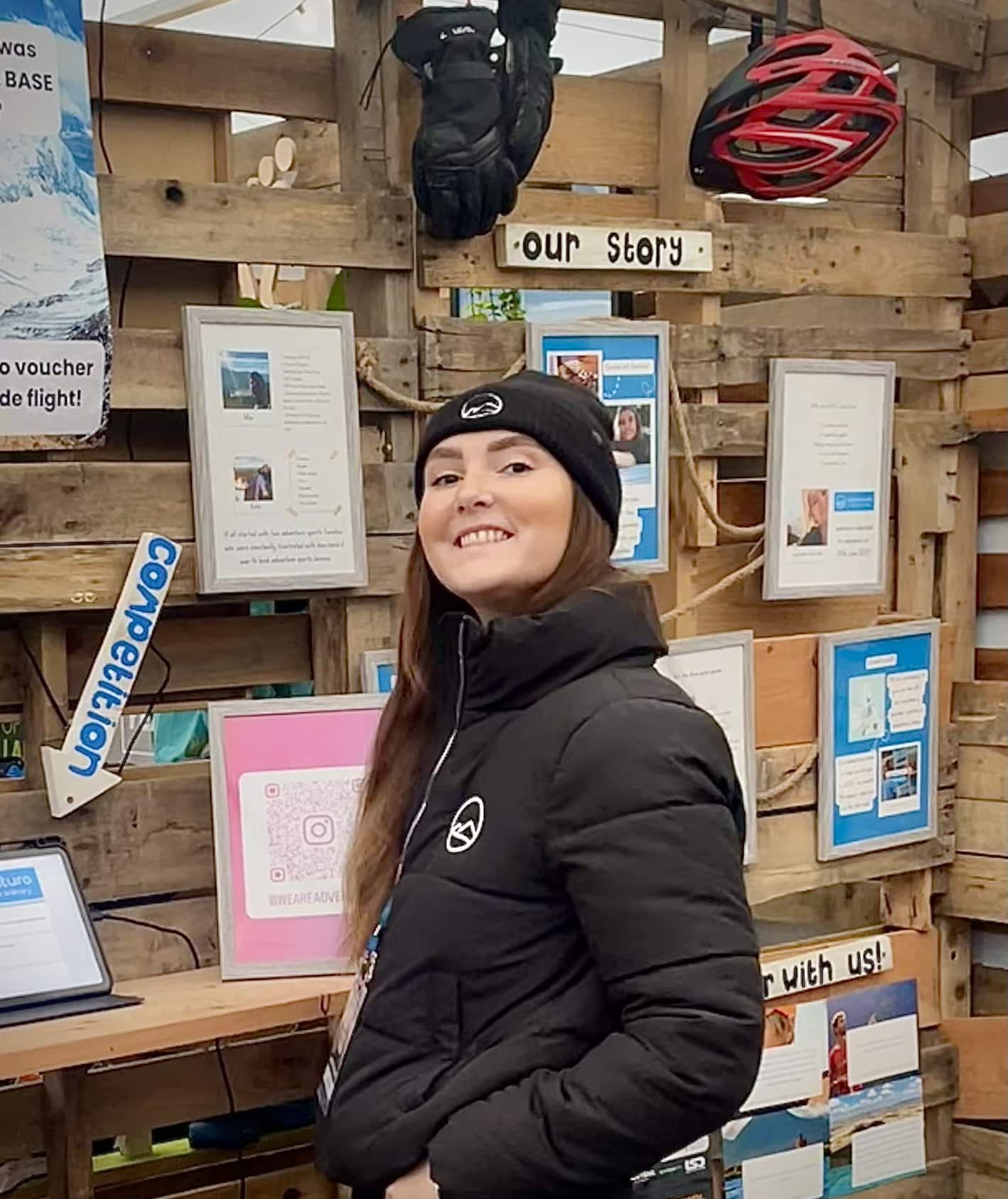
“Built with centres, for this industry. Just get in touch, we’d love to chat.”